
People and profiles
One record per person, kept current by the people themselves. Divisions, departments and reporting lines are set up once. Compensation stays with Admins.
Leave, people records and documents run exactly the way your company wrote the rules, and every number explains itself.
Employees stop asking HR. HR stops doing arithmetic.

Features
Everything below is built and works today.
One record per person, kept current by the people themselves. Divisions, departments and reporting lines are set up once. Compensation stays with Admins.
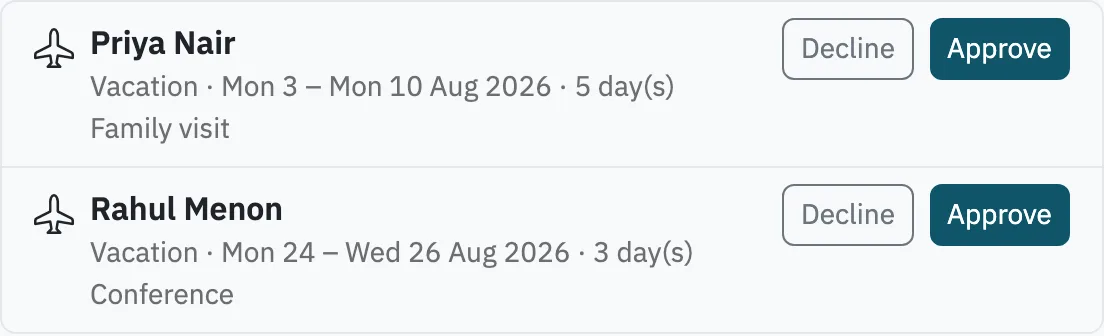
Your leave types, yearly grants pro-rated for new joiners, and requests routed to the right manager, with Admins as fallback.
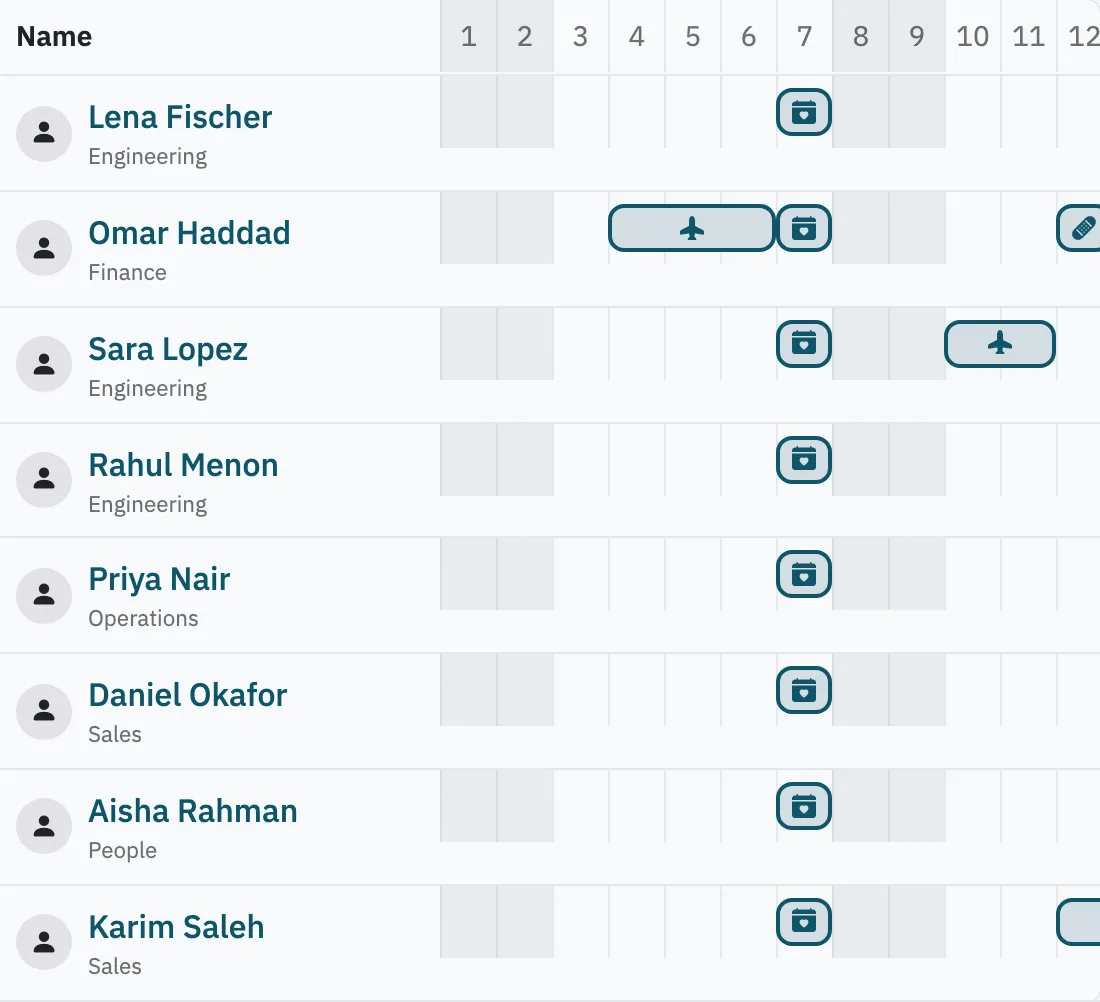
See who's out this week, filter by department, and add your own leave to Google Calendar or Outlook.
Upload the handbook once for everyone. Employees keep their own documents, and Caderly reminds them, and you, before an ID or permit expires.
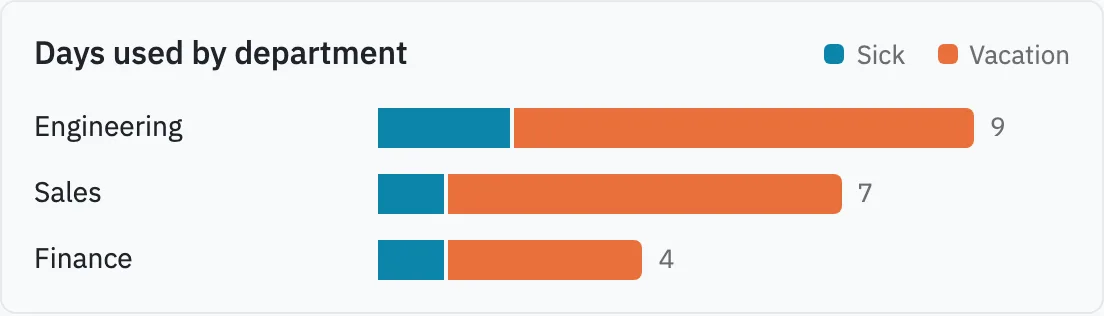
Leave balances, leave taken by department, and headcount over time. Export any of them to CSV at quarter end.
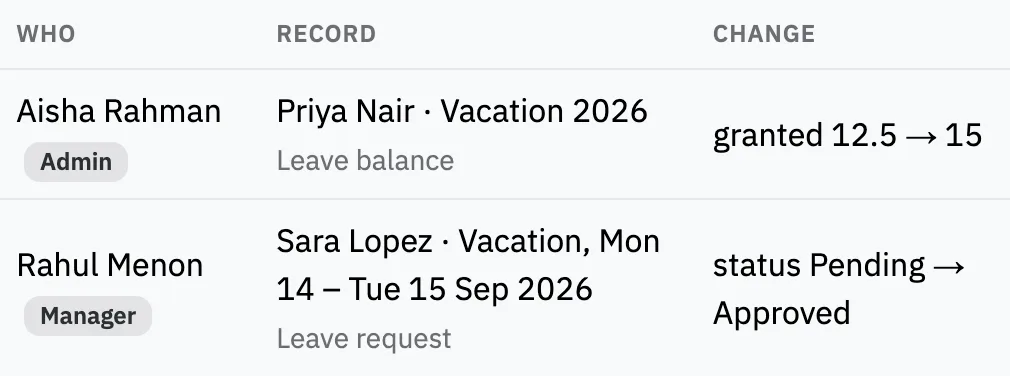
Who changed what, when, and what it was before. Sign-ins are logged too.
The arithmetic
Most HR tools show a result and hide the rule. Caderly shows both: which days were skipped, which balance it came from, who it went to and why.
See how setup worksSetup
No sales call and no setup fee. You do it yourself, from the browser.
Security
Your finance lead may never open Caderly. They still need to know where personal data lives and what happens when someone leaves.
Pricing
Yes. No card, no time limit. A workspace holds up to 50 employees.
Adding a 51st person is paused with a note that says why. Write to us and we'll raise your limit.
Not yet. An Admin adds people one at a time, and each person gets an invite to set their own password.
Not yet. People sign in with email and password today. Both are on the roadmap.
Caderly works in your phone's browser, so there's nothing to install.
Yes. Each workspace defines its own leave types, weekend days and holiday calendar, so it fits how your company actually works.
A request goes to the employee's manager, with Admins as the fallback. Every decision is recorded in the audit log.
Employees see their own record, managers see their team, and compensation stays with Admins.
Upload the handbook once for everyone. Employees keep their own documents, and Caderly reminds them, and you, before an ID or permit expires.
Bring the leave rules you already have. Caderly does the counting from the first request.
Start free